Marketing Automation for Small Business: Workflows That Pay Off
The seven automation workflows worth building first, how Mailchimp, Brevo, ActiveCampaign, HubSpot and Klaviyo compare, and a 14-day setup plan.
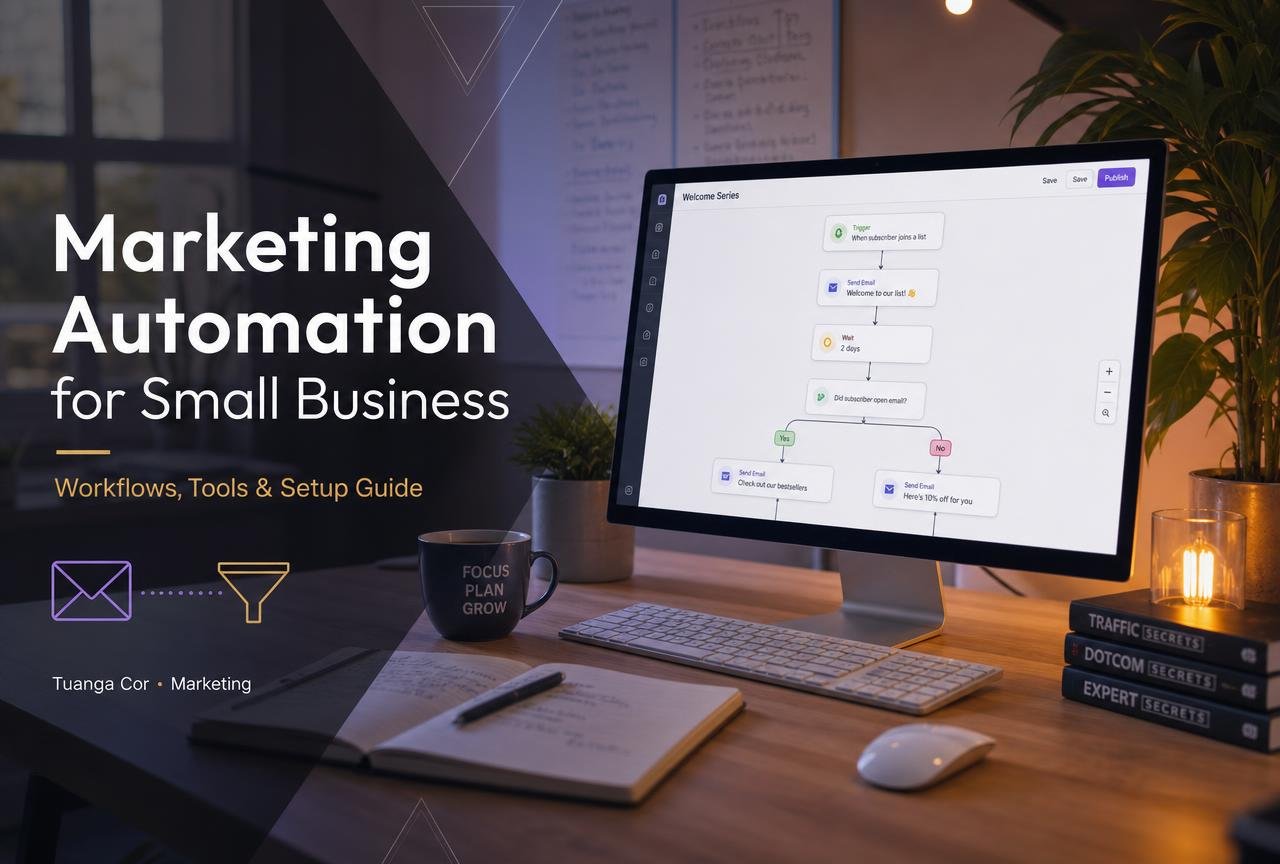
Marketing automation has a reputation problem among small businesses. It sounds like something an enterprise buys — a six-figure platform, a dedicated ops team, a consultant with a Gantt chart. In practice, the version that works for a ten-person company is far humbler and far more profitable: five or six well-written workflows that run every day without anyone touching them.
This guide shows exactly which workflows to build first, how the main platforms compare on price and capability, how to set up a system in a fortnight, and how to measure whether it is earning its keep. Everything here is aimed at businesses in the US, UK, Canada and Australia with a list somewhere between 500 and 100,000 contacts.
What marketing automation means for a small business
Marketing automation is software that performs marketing actions in response to behaviour and time, without a person pressing send. A contact fills in a form; a welcome sequence begins. A customer buys; a review request is scheduled for fourteen days later. A trial user goes quiet; a nudge goes out at day five.
The building blocks are consistent across every platform:
- Triggers — a signup, a purchase, a page visit, a tag applied, a date.
- Conditions — branching logic based on what the software knows about the contact.
- Actions — send an email or SMS, apply a tag, update a field, create a CRM task, notify a salesperson.
- Delays — the waiting periods that make a sequence feel human rather than robotic.
What it is not
It is not a content strategy, and it will not save a weak offer. Automation multiplies whatever you already have — including a poor onboarding experience. Fix the message first, then automate the delivery.
The seven workflows worth building first
Ranked by return per hour of setup, based on what consistently performs for small teams.
1. The welcome sequence
Three to five emails over ten days. Deliver whatever was promised at signup, introduce the person behind the business, present your single best piece of content, then make one clear offer. Welcome emails routinely earn the highest open rates of any campaign a small business sends, because attention is never higher than in the first 48 hours.
2. Abandoned cart or abandoned enquiry
For retailers, two or three emails at one hour, twenty-four hours and seventy-two hours. For service businesses, the equivalent is the abandoned quote request. This single workflow frequently recovers a meaningful share of otherwise lost revenue and is the fastest payback on this list.
3. Post-purchase and review request
Confirmation, then care instructions or a how-to, then a review request timed to arrive after the customer has actually used the product. Reviews compound: they feed conversion rate and, through structured data, your search presence.
4. Lead scoring and sales handoff
Assign points for pricing-page visits, email clicks and form submissions. When a contact crosses a threshold, create a task in your CRM and notify the right salesperson with the full activity history attached. This is where automation and your CRM stop being separate tools — see our ranking of the best CRM for small business for platform-level guidance.
5. Re-engagement
Contacts who have not opened anything in 120 days get a short two-email sequence, then get suppressed. Sending to dead addresses is the quiet killer of deliverability, and pruning almost always improves the performance of everything else.
6. Renewal, replenishment and anniversary
Consumables and subscriptions have a natural cadence. A reminder at 80% of the average consumption cycle converts far better than a generic promotion, because the timing does the persuading.
7. Internal alerts
Not customer-facing, but transformative: notify a human when a high-value lead visits the pricing page twice in a week, or when a customer's support ticket count spikes. Automation should make your team faster, not only your emails.
Marketing automation platforms compared
| Platform | Best for | Entry price | Built-in CRM | SMS | Visual builder |
|---|---|---|---|---|---|
| Mailchimp | First automation, retail lists | Free tier, then ~$13/mo | Light | Add-on | Yes |
| Brevo | Volume senders on a budget | Free, then ~$9/mo | Yes | Yes | Yes |
| ActiveCampaign | Deep branching logic | ~$29/mo | Yes (higher tiers) | Yes | Best in class |
| HubSpot Marketing Hub | Sales and marketing in one record | Free tools, then ~$20/mo | Excellent | Higher tiers | Yes |
| Klaviyo | Shopify and DTC e-commerce | Free to 250 contacts | E-commerce profiles | Yes | Yes |
| MailerLite | Creators and simple funnels | Free, then ~$10/mo | No | No | Yes |
Mailchimp
Still the most common starting point, and for a straightforward newsletter plus a welcome journey it remains perfectly capable. Costs rise sharply as the list grows and contacts are counted generously, so model your price at three times your current list size before committing.
Brevo
Prices by emails sent rather than contacts stored, which suits businesses with large but infrequently mailed lists. Transactional email, SMS and a usable CRM in one subscription make it unusually good value in the UK and EU.
ActiveCampaign
The most powerful visual builder in this price bracket. Conditional splits, goals, site tracking and mature CRM automations mean it rarely runs out of road. The trade-off is a steeper learning curve; expect a fortnight before you are fluent.
HubSpot
The strongest choice when marketing and sales must share one contact record. The free tools are legitimately useful, and HubSpot publishes extensive setup documentation in its knowledge base. Watch the tier jumps: capabilities you assume are standard often sit a plan above where you start.
Klaviyo
Purpose-built for e-commerce. Its Shopify integration surfaces browsing, cart and lifetime-value data as segmentation criteria out of the box, which is why so many DTC brands migrate to it once flows drive a serious share of revenue.
Segmentation: the multiplier most small businesses skip
Automation decides when a message is sent. Segmentation decides who receives it, and it is consistently the bigger lever. A modest list mailed with relevance almost always outperforms a large list mailed uniformly, because relevance drives clicks, clicks drive engagement signals, and engagement signals drive inbox placement for everything you send afterwards.
Four segments every small business can build today
- Source. Someone who downloaded a checklist is not the same as someone who requested a quote. Tag the origin at capture and never rely on memory later.
- Lifecycle stage. Subscriber, lead, customer, repeat customer, lapsed. Five values, applied consistently, unlock most of the personalisation you will ever need.
- Engagement recency. Opened or clicked in the last 30, 90 or 180 days. This is the segment that protects deliverability and it costs nothing to maintain.
- Value. Order count and lifetime spend for retailers; contract size or plan for service businesses. Your best customers deserve different messages and, often, different frequency.
Dynamic content beats separate campaigns
Rather than building five near-identical emails, build one and swap the hero block, the product recommendations and the call to action by segment. Fewer assets means fewer broken links, faster iteration and a far easier quarterly audit.
A quick note on frequency
There is no universal correct sending frequency, only the frequency your audience tolerates. Track unsubscribe rate and complaint rate as you increase cadence; when either starts climbing, you have found your ceiling. Many small businesses discover they can comfortably send twice as often as they assumed, provided each message carries something genuinely useful.
A 14-day setup plan
Days 1–2: Authenticate your domain
Before writing a single email, configure SPF, DKIM and DMARC records. Google and Yahoo now enforce authentication requirements on bulk senders, and the rules are documented in Google's email sender guidelines. Skip this and your carefully built workflows land in spam.
Days 3–4: Fix the data model
Decide which fields matter — source, lifecycle stage, product interest, location — and agree a tagging convention in writing. Sloppy tagging is the reason most automation projects become unmaintainable by month six.
Days 5–7: Build the welcome sequence
Write it as a single narrative, not four disconnected emails. Read every draft aloud; if it sounds like a press release, rewrite it in the voice you would use on the phone.
Days 8–10: Connect the CRM and the storefront
Marketing automation without customer data is just an email tool. Sync contacts bidirectionally, map fields explicitly, and test with a real record before you trust the integration.
Days 11–12: Add the second workflow
Abandoned cart for retail, or lead-score handoff for services. Two solid workflows are worth more than ten half-finished ones.
Days 13–14: Instrument and document
Add UTM parameters to every link, confirm conversions register in your analytics, and write a one-page document listing every live automation, its trigger and its owner. Future you will be grateful.
Deliverability: the part nobody budgets for
The most sophisticated workflow is worthless if it lands in a spam folder. Five practices protect the asset.
- Authenticate properly. SPF, DKIM and a DMARC policy on the sending domain, not a shared subdomain.
- Use double opt-in for cold or paid sources. Slightly smaller list, dramatically better engagement.
- Warm new domains gradually. Start with your most engaged contacts and increase volume over two to three weeks.
- Suppress the unengaged. Mailbox providers weight recent engagement heavily; sending to people who never open actively damages everyone else's inbox placement.
- Make unsubscribing easy. A visible one-click unsubscribe is now expected by major providers and always beats a spam complaint.
Compliance in four markets
GDPR in the UK and EU requires a lawful basis and clear consent records. CAN-SPAM in the US requires accurate headers, a physical address and prompt opt-out honouring. CASL in Canada is stricter still, demanding express or clearly documented implied consent. Australia's Spam Act requires consent, sender identification and a functional unsubscribe. Storing the timestamp, source and wording of every consent is the simplest way to satisfy all four.
The metrics that actually indicate health
Open rate has become unreliable since privacy features began pre-loading images. Track these instead.
| Metric | What it tells you | Healthy range for SMBs |
|---|---|---|
| Click-to-delivered rate | Genuine interest in the content | 2–5% |
| Conversion per workflow | Commercial value of the sequence | Compare against itself over time |
| Revenue per recipient | The number that justifies the tool | Track monthly trend |
| Unsubscribe rate | Whether frequency or relevance is off | Under 0.5% |
| Spam complaint rate | Deliverability risk | Under 0.1% |
| List growth net of churn | Whether the machine has fuel | Positive every month |
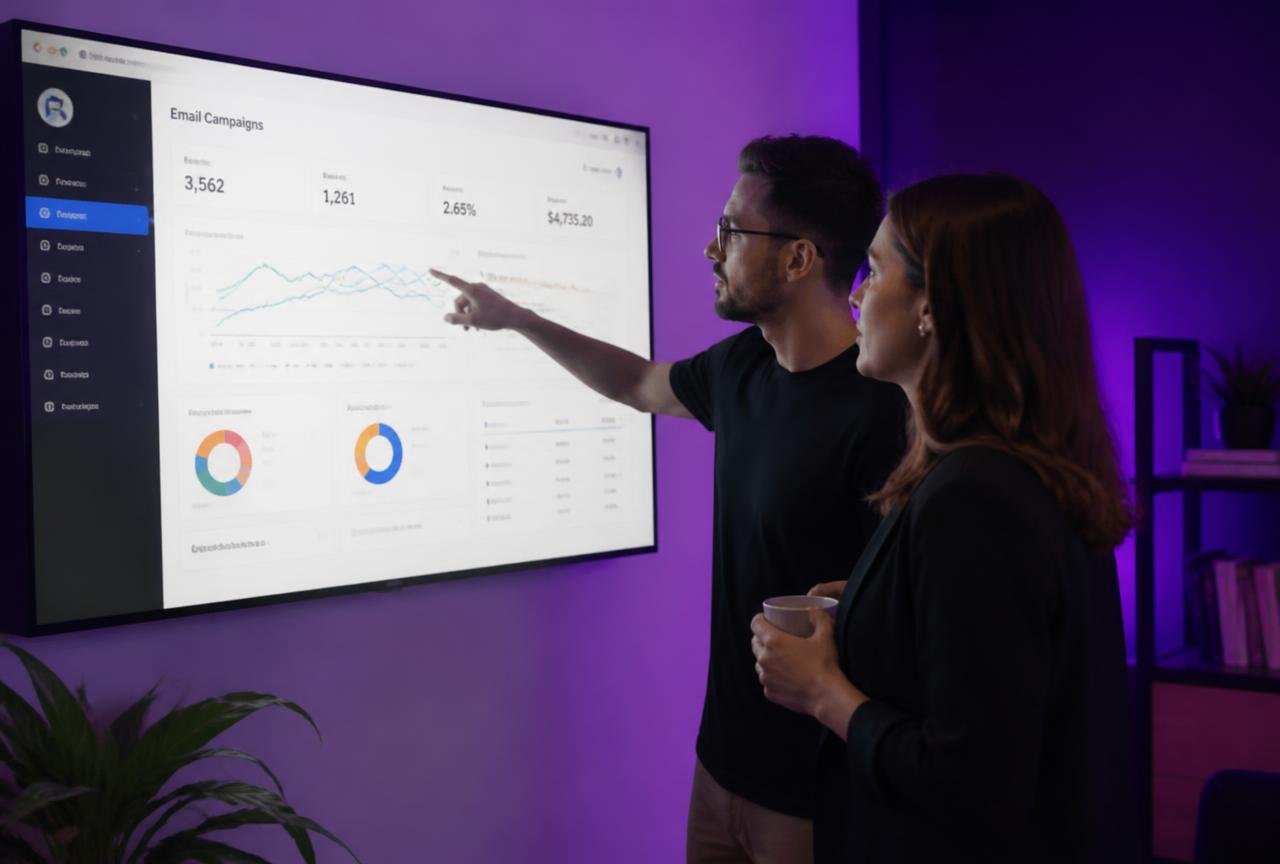
Review workflows monthly, not weekly — sequences need volume before their numbers mean anything — and always compare a workflow against its own history rather than against an industry benchmark built on a different audience.
Using AI without sounding automated
AI features are now standard in every platform on the shortlist. Used well they save hours; used lazily they flatten your voice into the same beige paragraph everyone else is sending.
Where it works
- Subject line variants for A/B tests — a genuinely tedious task with a clear success metric.
- Send-time optimisation per contact, which most platforms now handle automatically and measurably.
- Predictive segmentation such as likely-to-churn or likely-to-buy-again scores on e-commerce data.
- First drafts that you then rewrite in your own voice.
Where it fails
Publishing generated copy unedited. Readers detect it, and so increasingly do the ranking systems that reward genuine expertise. Google's own guidance on creating helpful content is explicit that value to the reader — not production method — is what counts. Treat AI as a fast intern: useful for volume, never the final voice.
Mistakes that quietly cost money
- Automating before segmenting. One message to everyone is a newsletter with extra steps.
- Too many workflows, none finished. Five excellent sequences beat twenty drafts every time.
- No exit conditions. A customer who has already bought should never receive the rest of the sales sequence.
- Ignoring mobile rendering. The majority of opens happen on a phone; test on one before every launch.
- Forgetting the sales team. If a lead-score alert does not reach a human within minutes, the score is decoration.
- Never auditing. Schedule a quarterly review; broken links and outdated offers accumulate silently in workflows nobody has opened in a year.
The verdict
Marketing automation rewards restraint. Pick one platform that matches your business model, authenticate your domain properly, build a welcome sequence and one revenue-recovery workflow, connect your CRM, and measure revenue per recipient rather than open rate. That is a fortnight of work and it will outperform a year of ad-hoc campaigns.
Add complexity only when a specific, measurable problem demands it. The small businesses getting the most from automation in 2026 are not running the most workflows — they are running a handful of very good ones, reviewed quarterly, written by someone who actually knows the customer.
Frequently asked questions
What is marketing automation for small business?
Marketing automation is software that sends marketing messages and performs follow-up tasks automatically in response to customer behaviour or timing — welcome sequences, abandoned-cart reminders, review requests and sales alerts — without anyone manually pressing send.
How much does marketing automation cost?
Most small businesses spend between $10 and $150 per month. Entry plans on Brevo, MailerLite and Mailchimp start under $15, ActiveCampaign starts around $29, and HubSpot Marketing Hub scales quickly once you pass the starter tier or add marketing contacts.
Which marketing automation workflow should I build first?
The welcome sequence. Attention is highest in the first 48 hours after signup, setup takes a few hours, and it runs for years. Build an abandoned-cart or abandoned-enquiry workflow second, because it recovers revenue you have already earned.
Is Mailchimp good enough, or do I need ActiveCampaign or HubSpot?
Mailchimp is sufficient for newsletters and simple journeys. Move to ActiveCampaign when you need branching logic and site tracking, or to HubSpot when marketing and sales must work from one shared contact record.
Do I need a CRM as well as a marketing automation tool?
If you have a sales conversation before a purchase, yes. Automation captures and nurtures interest; the CRM manages the human follow-up. Some platforms include both, which removes an integration and a monthly bill.
How do I stop automated emails landing in spam?
Authenticate your sending domain with SPF, DKIM and DMARC, warm new domains gradually, suppress contacts who have not engaged in four months, keep the unsubscribe link visible, and avoid buying lists entirely.
How many emails should a welcome sequence contain?
Three to five, spread over seven to ten days. Deliver what was promised first, build credibility second, and make one clear offer at the end rather than pitching in every message.
Does marketing automation work for service businesses?
Yes. The e-commerce equivalents map directly: abandoned cart becomes abandoned quote request, post-purchase becomes onboarding, and replenishment becomes renewal or annual service reminder.
How do I measure whether automation is working?
Track revenue per recipient, conversions attributed to each workflow, click-to-delivered rate, unsubscribe rate and net list growth. Compare each workflow against its own history month over month rather than against generic industry benchmarks.
Email marketing, automation, SEO, analytics and branding tools reviewed for growing SMBs.


